 by
by Hackers Love Windows 10. Do This One Thing to Keep Them Out
Windows 10 remains one of the most widely used operating systems in the world. Even as Windows 11 adoption grows, hundreds of millions of PCs still rely on Windows 10 for work, school, and everyday use. Unfortunately, that popularity makes Windows 10 a favorite target for hackers.
Cybercriminals don’t usually go after the newest or rarest systems. They go where the most users are—and where security habits are weakest. That’s exactly why Windows 10 continues to attract malware authors, ransomware groups, and credential thieves.
The good news? You don’t need to be a cybersecurity expert to dramatically reduce your risk.
👉 There is one simple but powerful action that can block a huge percentage of attacks—and most Windows 10 users still haven’t done it.
Let’s break down why hackers love Windows 10, the most common attack methods, and the single most important thing you should do right now to keep them out.
🧠 Why Hackers Target Windows 10
1. Massive User Base
Windows 10 runs on:
-
Home PCs
-
Office computers
-
School laptops
-
Small business systems
More users = more potential victims. Attackers can reuse the same techniques at scale and still succeed.
2. Many Systems Are Poorly Maintained
A large number of Windows 10 PCs:
-
Miss security updates
-
Use weak or reused passwords
-
Run outdated software
-
Rely on default settings
Hackers love predictable environments—and Windows 10 often fits that description.
3. End of Support Is Approaching
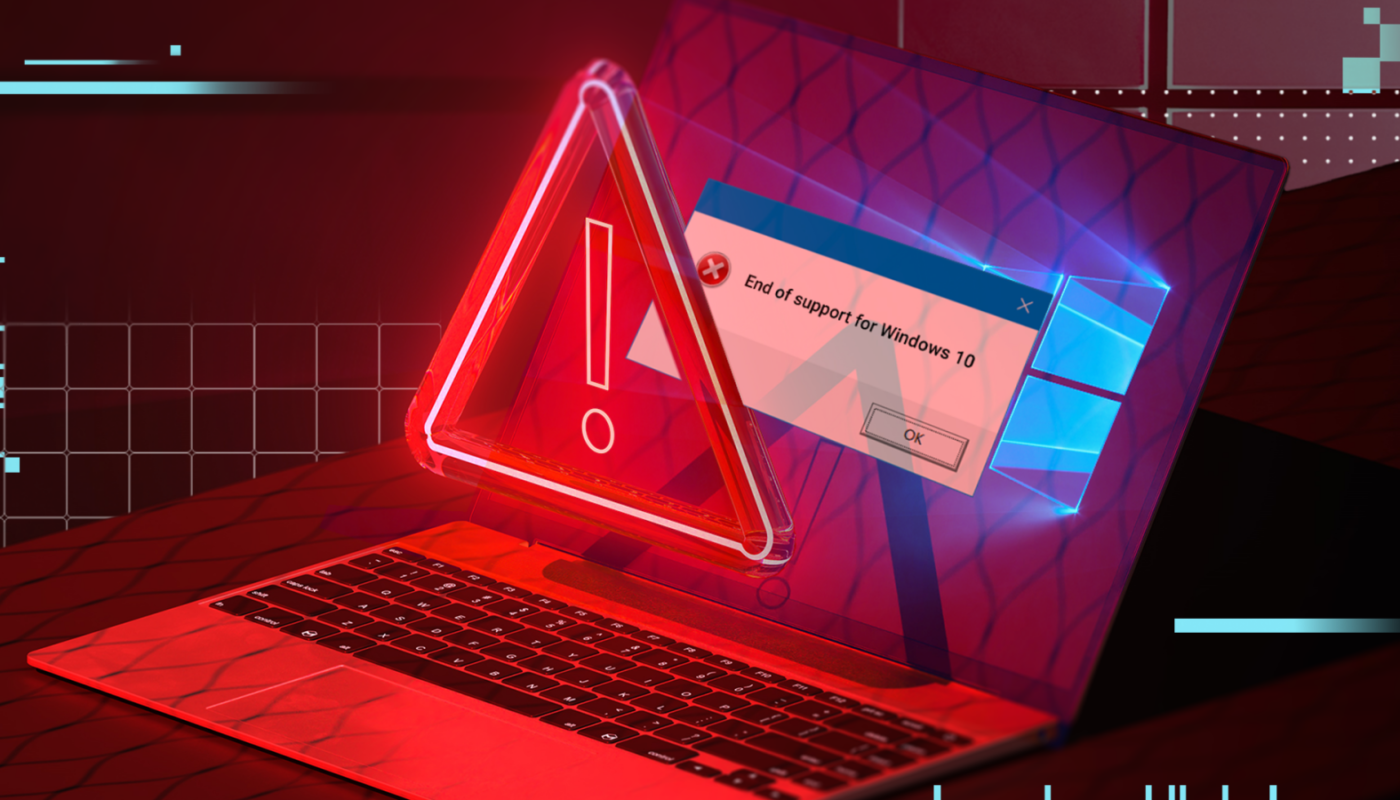
Microsoft has announced that Windows 10 support ends in October 2025. As that date approaches:
-
Security patches will slow down
-
Attackers will stockpile vulnerabilities
-
Unpatched systems will become easier targets
We’ve seen this before with Windows 7—and it wasn’t pretty.
🚨 The Most Common Ways Windows 10 Gets Hacked
Before we get to the solution, it helps to understand how attackers usually break in.
🔓 1. Stolen or Weak Passwords
This is the #1 entry point.
Hackers use:
-
Password leaks from data breaches
-
Credential stuffing (trying leaked passwords everywhere)
-
Brute-force attacks on weak logins
If your password is simple—or reused—it’s already at risk.
📧 2. Phishing Emails
Fake emails trick users into:
-
Clicking malicious links
-
Opening infected attachments
-
Entering credentials on fake websites
Windows 10 users are frequently targeted with emails pretending to be from:
-
Microsoft
-
Delivery companies
-
Banks
-
Employers
🧨 3. Malware and Ransomware
Malicious software can:
-
Steal files and passwords
-
Spy on your activity
-
Encrypt your data and demand payment
Once malware gains access, it often disables security tools before you even notice.
🌐 4. Remote Desktop Attacks
If Remote Desktop (RDP) is exposed to the internet:
-
Hackers scan for open ports
-
Attempt brute-force logins
-
Install ransomware once inside
Thousands of Windows 10 PCs are compromised this way every day.
🔑 The One Thing You Must Do:
Turn On Full Windows Account Protection (Strong Password + Sign-In Security)
If you only do one thing to protect your Windows 10 system, make it this:
Secure your Windows account with a strong, unique password and modern sign-in protection (Windows Hello or equivalent).
This single step blocks:
-
Most remote attacks
-
Credential stuffing
-
Brute-force logins
-
Unauthorized local access
Let’s break it down.
🛡️ Step 1: Use a Strong, Unique Windows Password
Your Windows login password is the front door to your system.
What makes a strong Windows password?
-
At least 14 characters
-
Unique (not used anywhere else)
-
Random combination of words, numbers, or symbols
❌ Bad example:password123john1995windows10
✅ Good example:River-Falcon-Coffee-92
Long passphrases are easier to remember and far harder to crack.
Why this matters
If attackers can’t guess or reuse your password, most automated attacks fail instantly.
🔐 Step 2: Enable Windows Hello (PIN, Fingerprint, or Face)
Windows Hello is one of the most underrated security features in Windows 10.
Instead of relying only on a password, Windows Hello lets you sign in using:
-
A secure PIN (stored locally, not online)
-
Fingerprint recognition
-
Facial recognition (on supported devices)
Why Windows Hello is powerful
-
The PIN never leaves your device
-
It can’t be reused on other systems
-
Even if your password leaks, attackers can’t use your PIN remotely
In many attacks, stolen passwords are useless if Windows Hello is enabled.
🧭 How to Enable Windows Hello (2 Minutes)
-
Open Settings
-
Go to Accounts
-
Click Sign-in options
-
Set up:
-
Windows Hello PIN
-
Fingerprint or Face (if available)
-
Make sure your PIN is not simple (avoid 1234 or birth years).
🚫 Why This One Change Stops Hackers Cold
Most hackers don’t target individuals manually. They use automated tools that:
-
Scan thousands of PCs
-
Test leaked passwords
-
Move on if access fails
A strong Windows password + Windows Hello means:
-
Credential stuffing fails
-
Brute-force attacks slow down or stop
-
Remote access attempts are blocked
Hackers don’t waste time on hard targets—they move on.
🔒 Bonus Steps (Highly Recommended)
While the “one thing” above offers huge protection, these extra steps strengthen your defense even more.
✅ Keep Windows Updates On
Security updates patch known vulnerabilities hackers actively exploit.
-
Go to Settings → Update & Security
-
Turn on automatic updates
Delaying updates is one of the biggest risks on Windows 10.
🔥 Use Built-In Microsoft Defender
You don’t need expensive antivirus software.
Microsoft Defender:
-
Blocks malware and ransomware
-
Detects suspicious behavior
-
Integrates deeply with Windows
Make sure it’s enabled and updated.
🌐 Be Careful with Admin Accounts
Use a standard user account for daily work and keep the admin account separate. This limits what malware can do if it runs.
🧠 Watch Out for Fake “Windows Alerts”
If you see pop-ups claiming:
-
“Your PC is infected”
-
“Microsoft detected suspicious activity”
Close the browser immediately. Microsoft does not send warnings this way.
❓ What About Windows 11?
Windows 11 includes:
-
Stronger hardware-based security
-
TPM requirements
-
Improved isolation
But a well-configured Windows 10 system with strong sign-in protection is still very safe until end of support.
The real danger isn’t Windows 10 itself—it’s poor security habits.
📊 Why Most Windows 10 Hacks Still Succeed
Despite available protections:
-
Many users reuse passwords
-
Windows Hello is disabled
-
Updates are postponed
-
Remote Desktop is left open
Hackers rely on this complacency.
Doing just one thing differently already puts you ahead of the majority of users.
🏁 Final Thoughts: One Smart Move Beats Ten Complex Ones
Cybersecurity doesn’t have to be complicated.
You don’t need:
-
Expensive software
-
Advanced technical skills
-
Constant monitoring
You just need to lock the front door properly.
Do this today:
✔ Set a strong, unique Windows password
✔ Enable Windows Hello (PIN / fingerprint / face)
That single action blocks a massive percentage of real-world attacks.
Hackers love Windows 10—but only when users make it easy.
Don’t be an easy target.
If you want, I can also write:
-
“Windows 10 vs Windows 11: Which Is Safer in 2025?”
-
“5 Windows Settings Hackers Hope You Never Change”
-
“How to Secure Your PC in 10 Minutes or Less”